


AI TubeStar
Empowering a New Generation of Video Creators with AI
Role
Lead UI/UX Designer
Category
Visual design
Design Philosophy & Core Principles
The AI TubeStar interface was built on three foundational pillars:
Powerful, Yet Simple - Powerful features, without overwhelming complexity.
Fast Results - Enable users to achieve a meaningful output (like a finished video) quickly.
Familiar, but Smarter - Leverage known design patterns, seamlessly fused with cutting-edge AI capabilities.
Deconstructing the Design: A Complete User Journey
1. Login & Onboarding (First Avatar Creation)
Login Screen
The journey starts right at the login screen.

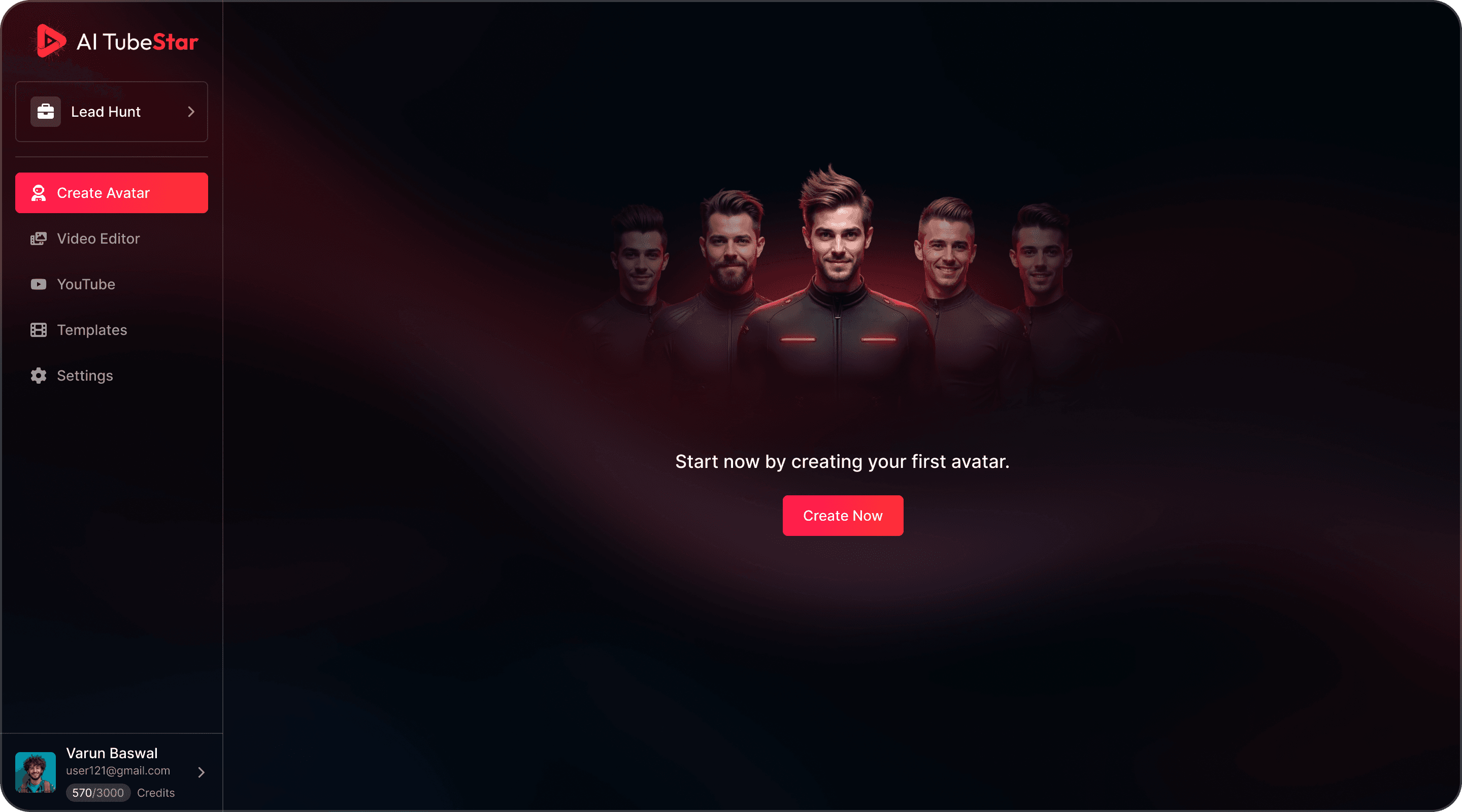
Guided Empty State
When a new user logs in, they don’t face an empty dashboard. Instead, they’re greeted with a clean, encouraging screen focused on a single action: “Create your first avatar”.
Clarifying the Core Technology
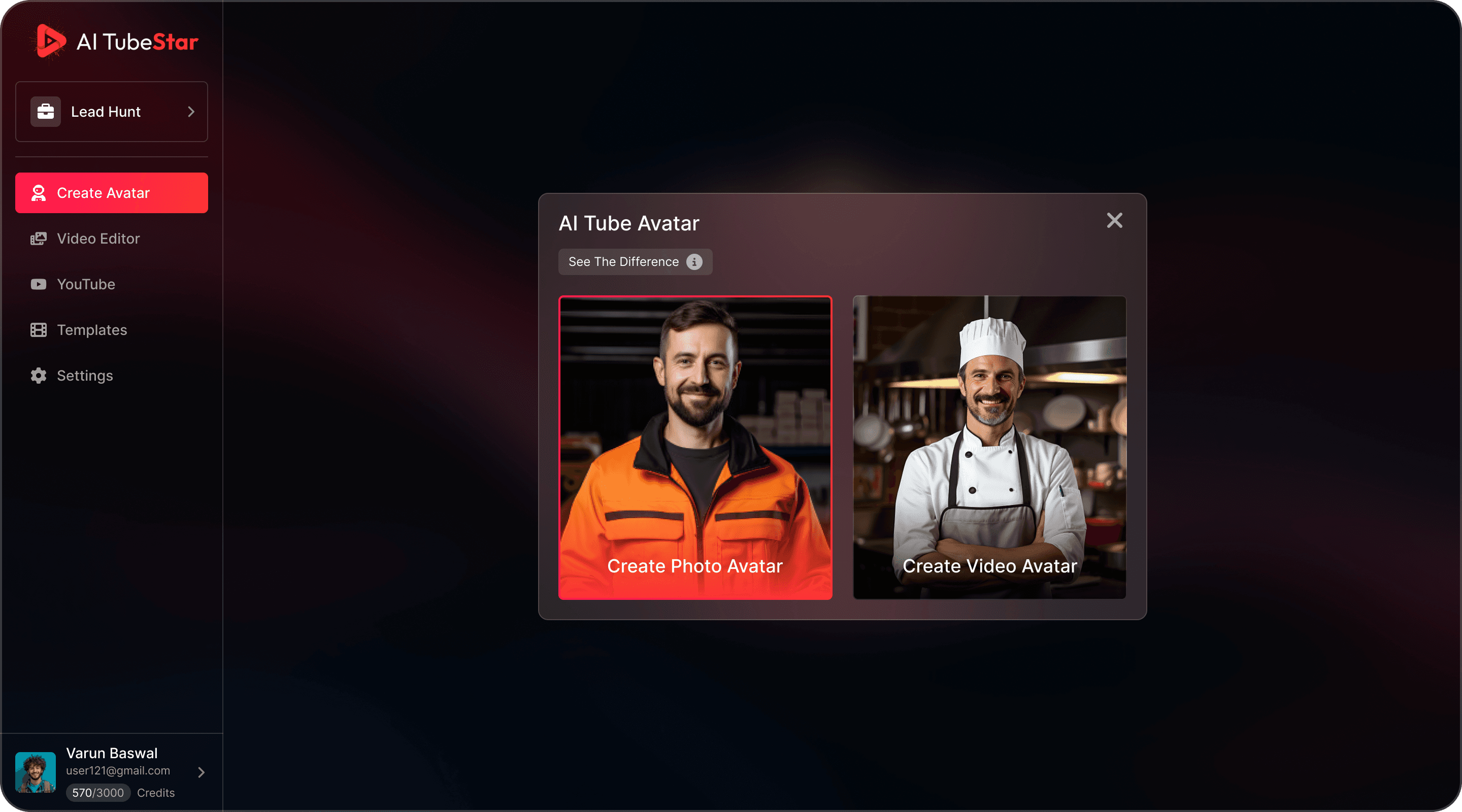
The next screen gives two clear paths: "Create Photo Avatar" or "Create Video Avatar".
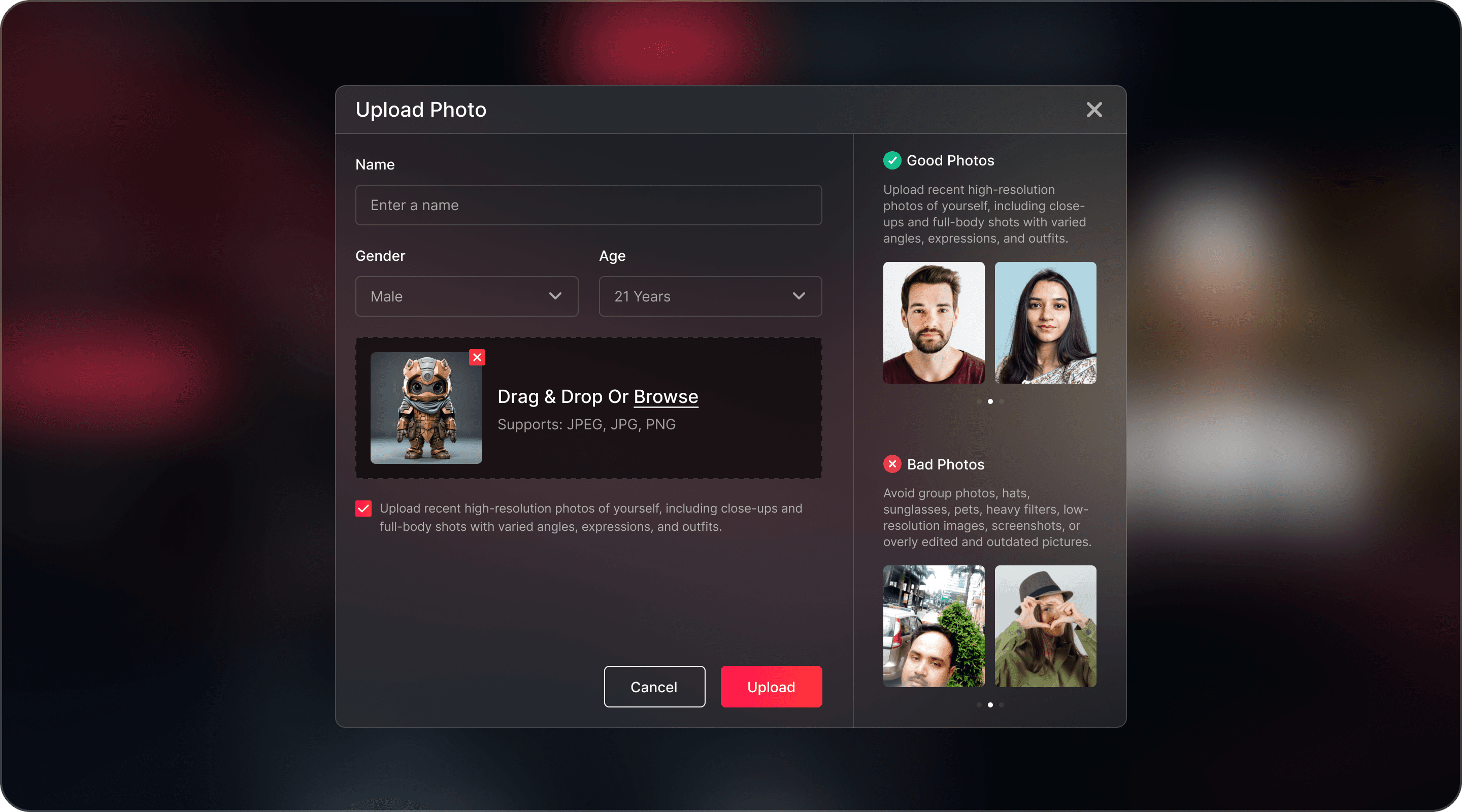
Upload Your Avatar Image
Simple form fields (Name, Gender, Age) and a drag-and-drop upload area keep the process friction-free.
The "Do’s & Don’ts" Panel - Instead of letting users fail with poor inputs, the UI proactively sets expectations. Clear visual examples of good vs bad photos ensure:
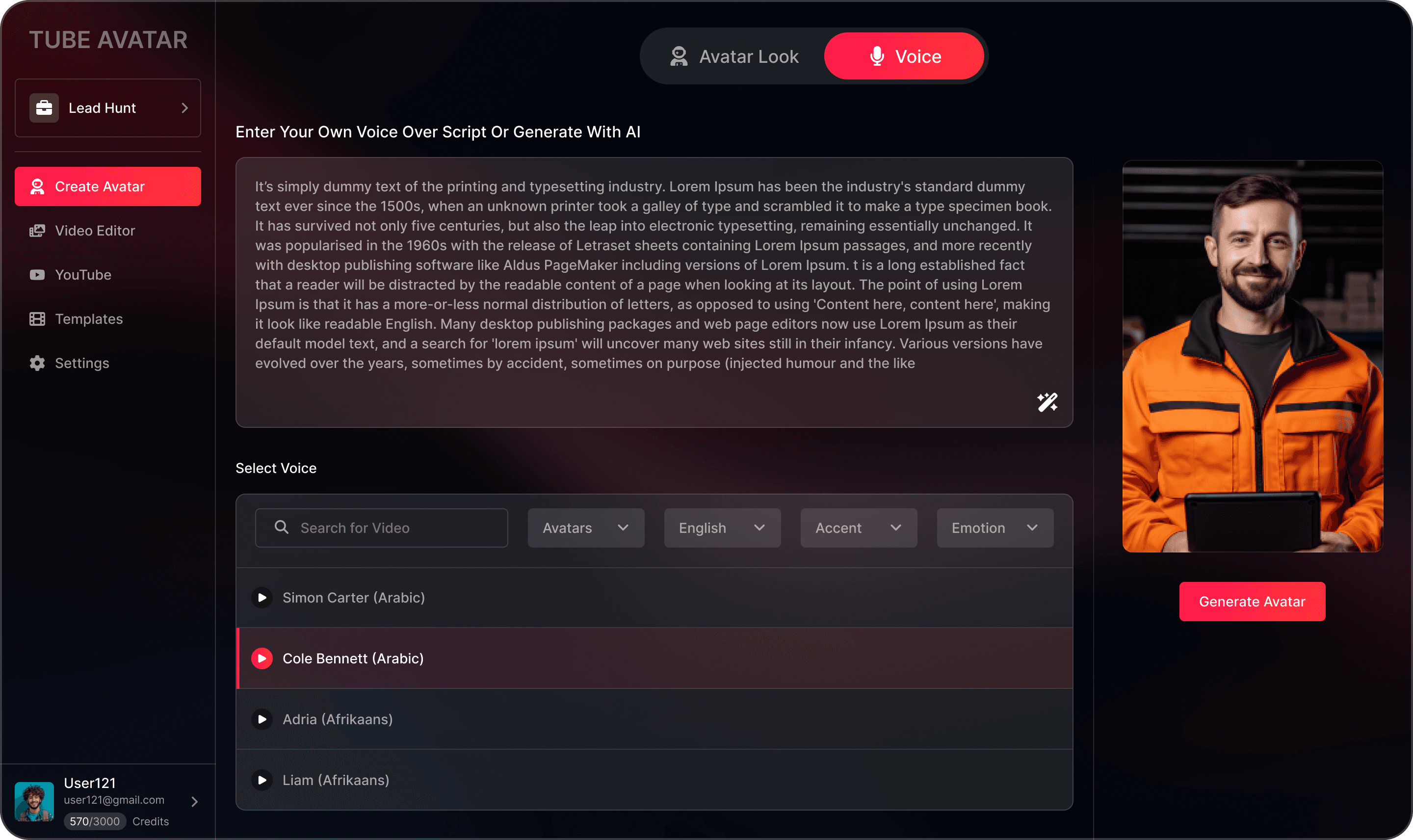
Add Your Script & Select Voice
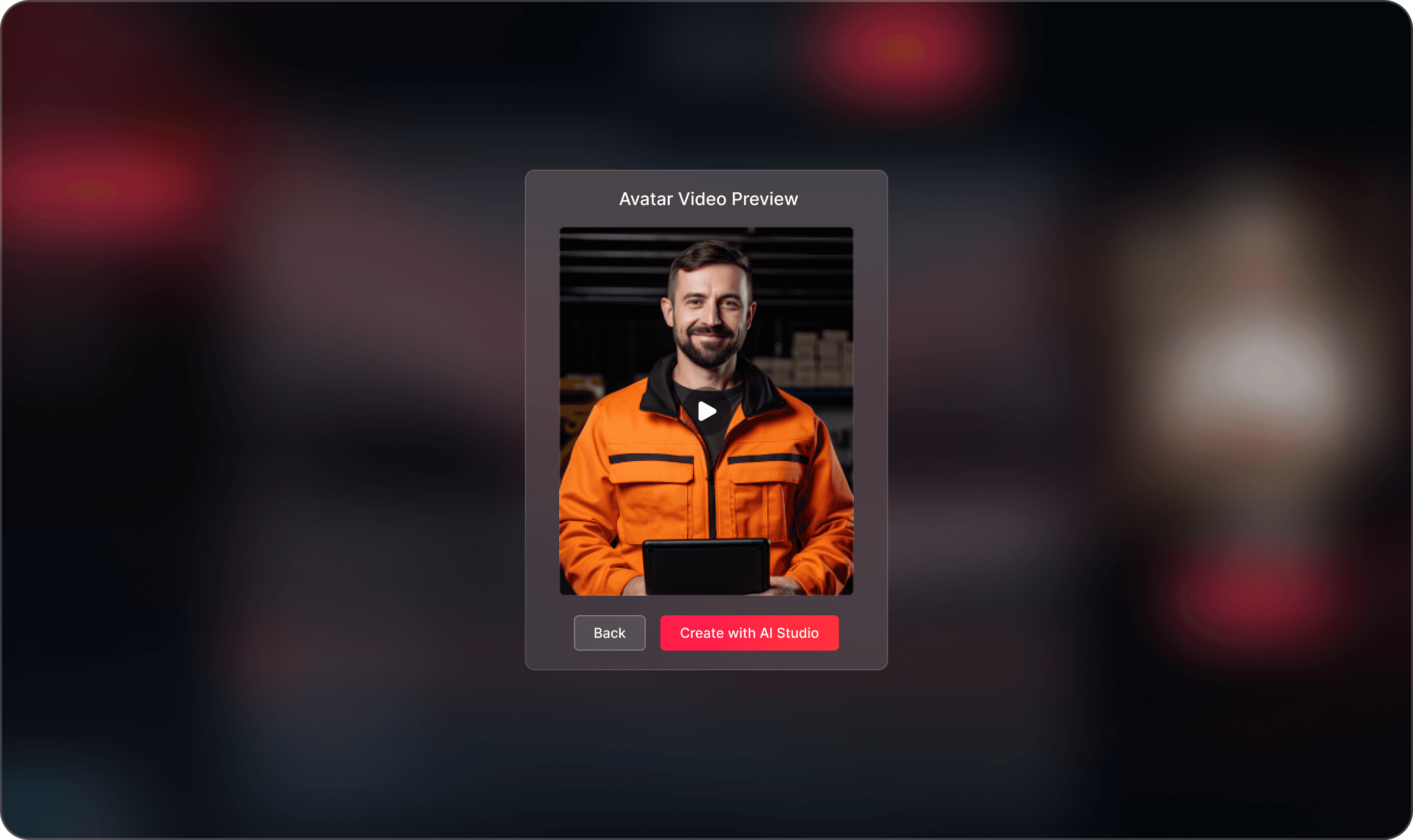
Generated Avatar's Video Preview
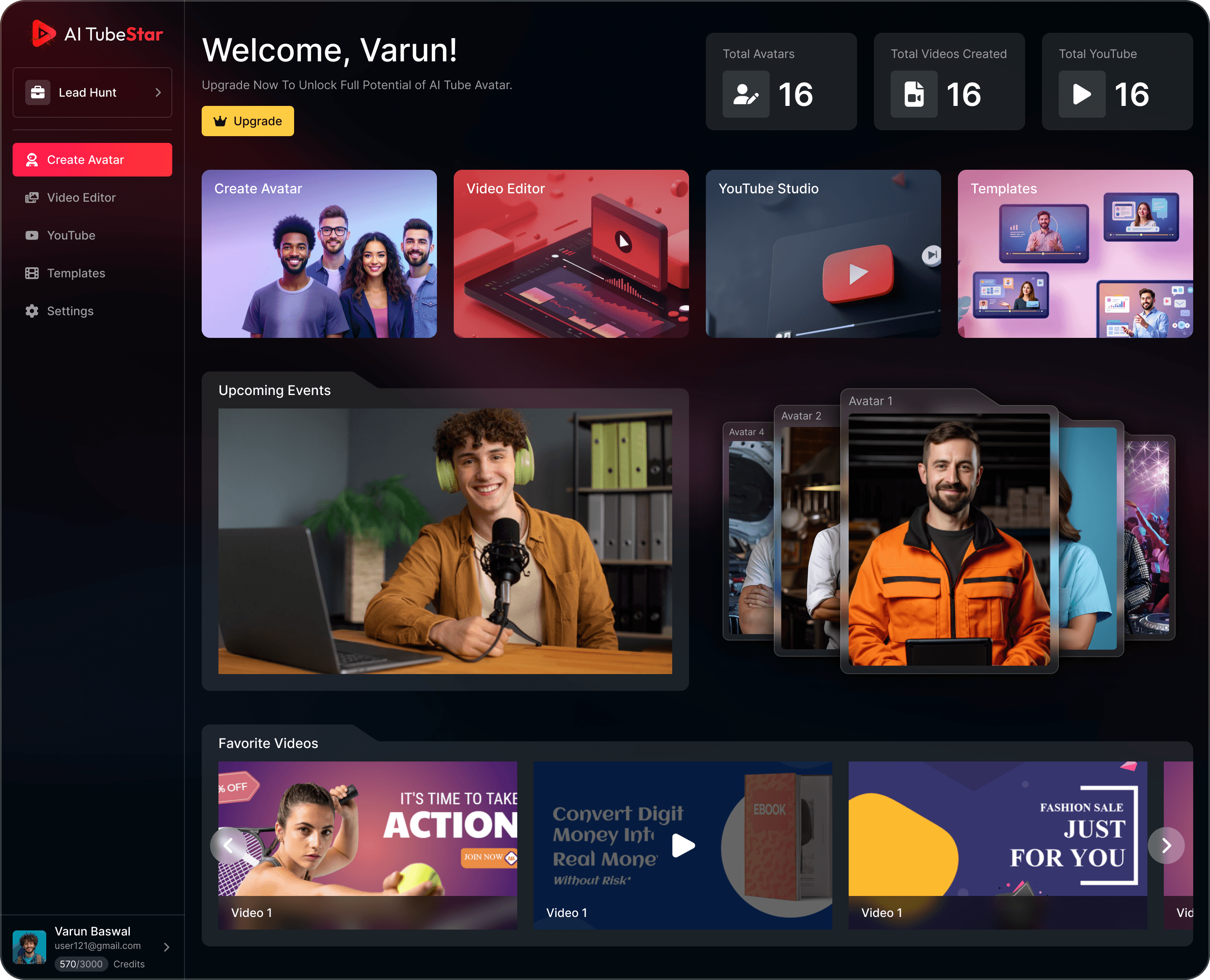
2. The Dashboard: The User’s Home Base
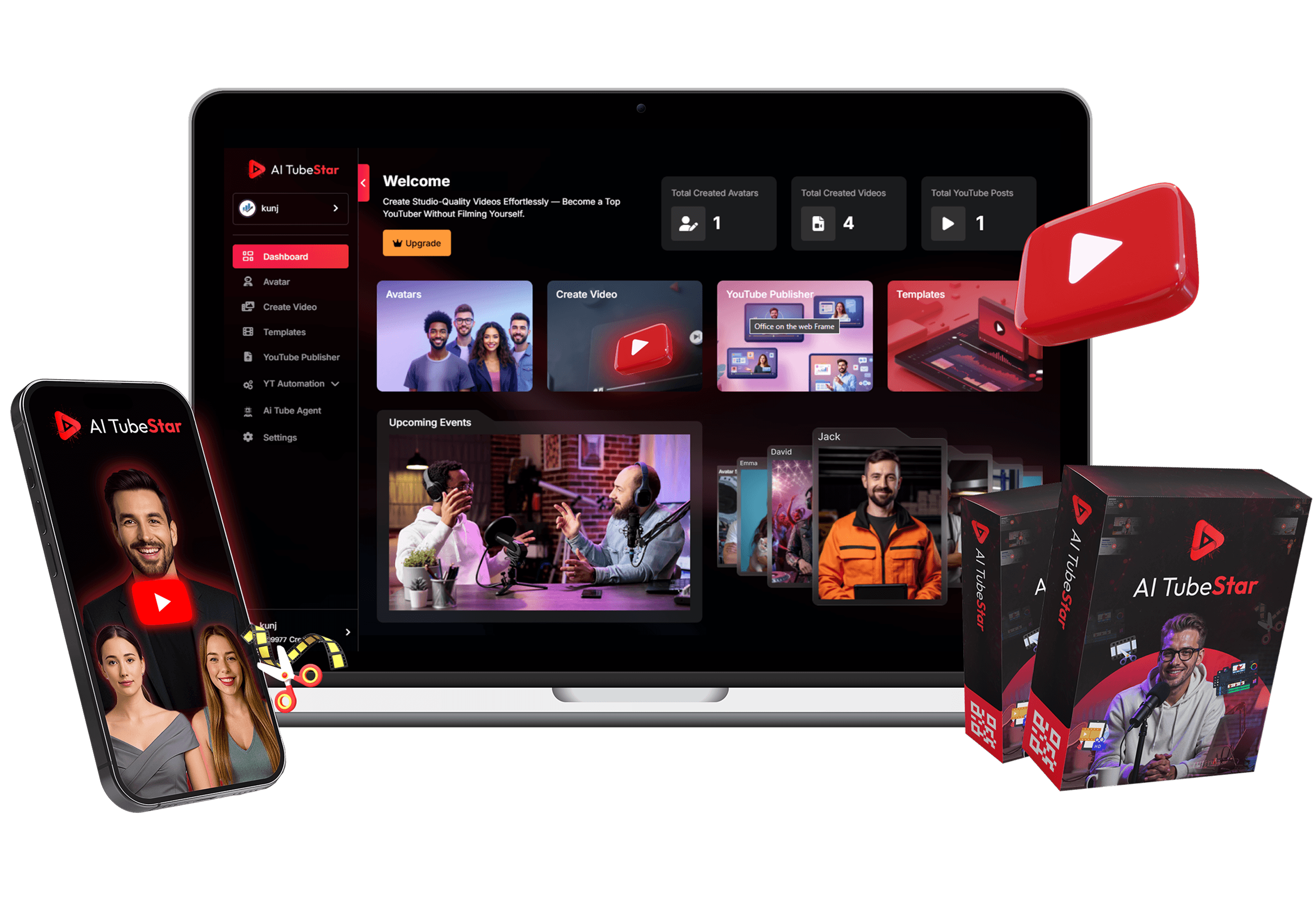
Serves as the main hub for returning users, with quick access to projects, templates, and asset libraries.
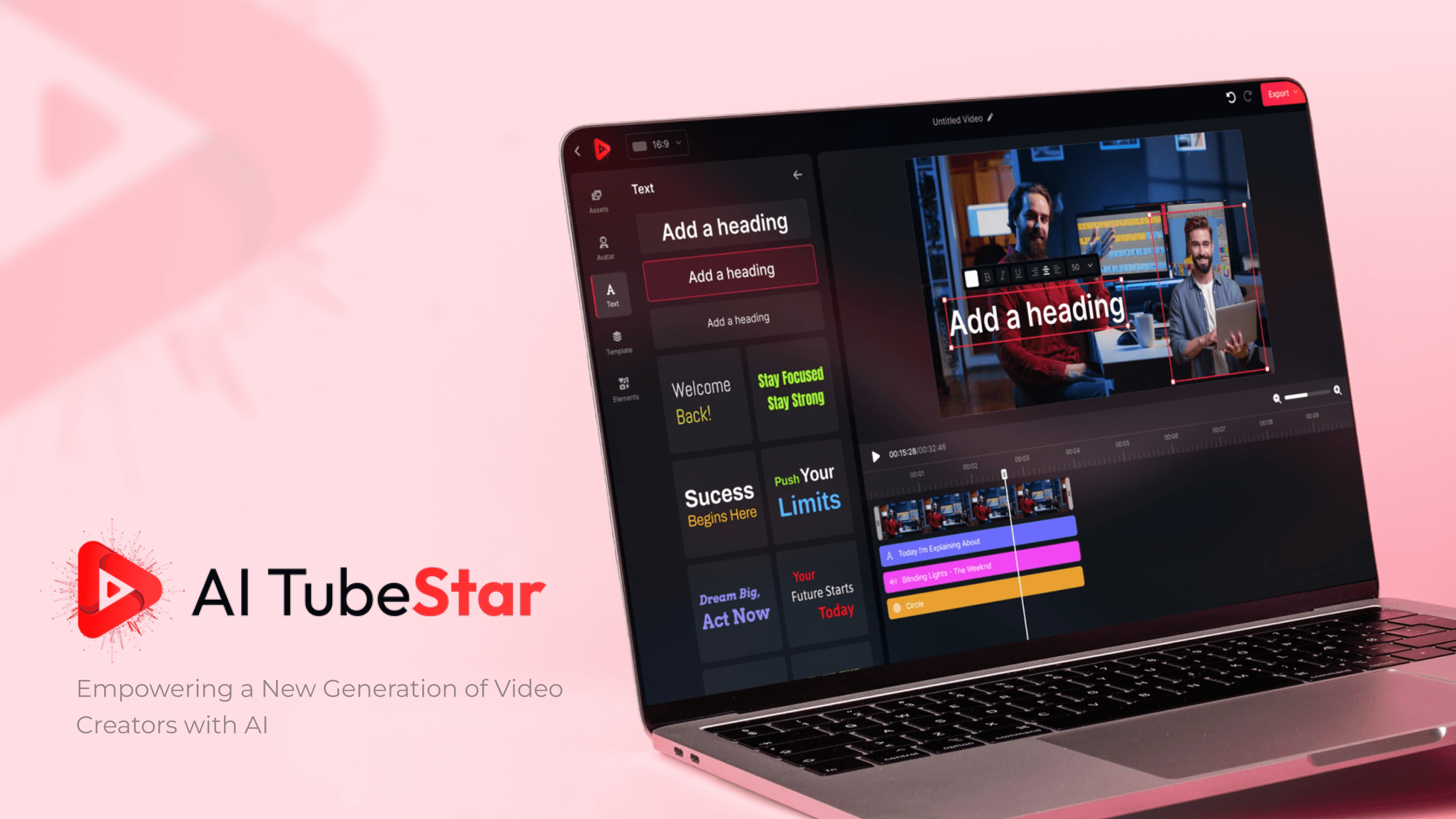
3. The Video Editor: Speed & Precision in One Space
The editor is the heart of AI TubeStar, and it’s designed to work for two very different mindsets—those who want to move fast and those who want complete control.
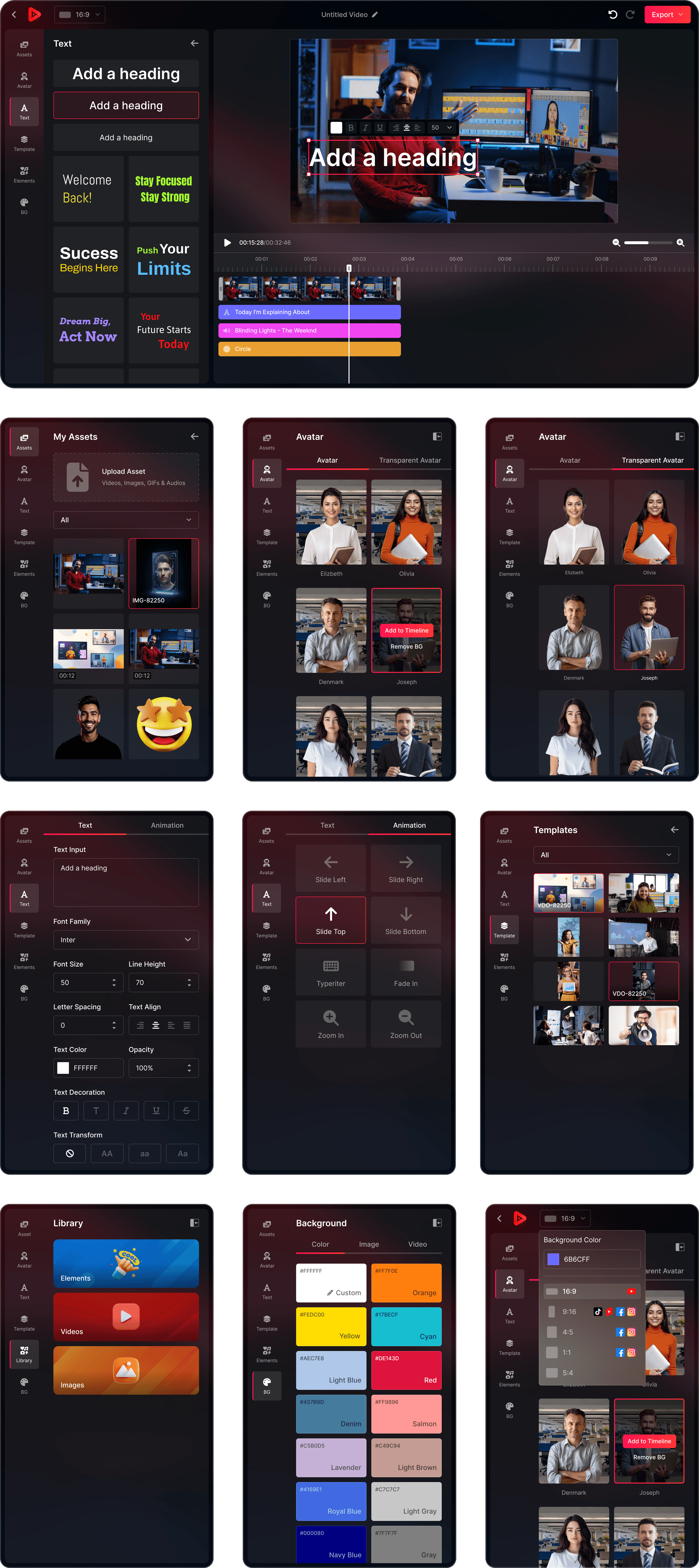
Users can upload their own videos, images, GIFs, and audio, making the platform a complete creative suite rather than just an “AI video maker.” Essential for marketers, educators, and brands who need to bring in their own visual identity.
UI & Visual Language
Dark Mode UI for cinematic feel and reduced eye strain.
Vibrant Accent Colors to highlight key actions and CTAs.
Clean Typography for clarity and focus.
See It in Action
Final Conclusion
AI TubeStar is designed to make video creation feel less like a technical chore and more like a creative adventure.
From a frictionless onboarding that hand-holds new users to a flexible, dual-purpose editor that serves both beginners and professionals, every decision reflects a deep understanding of user goals and anxieties.
Every part of the platform is built to guide, support, and inspire. It’s not just about making videos, it’s about giving people the tools and confidence to tell their stories.